How to Protect Your Base & Claim Land in Minecraft
 joynalbokhsho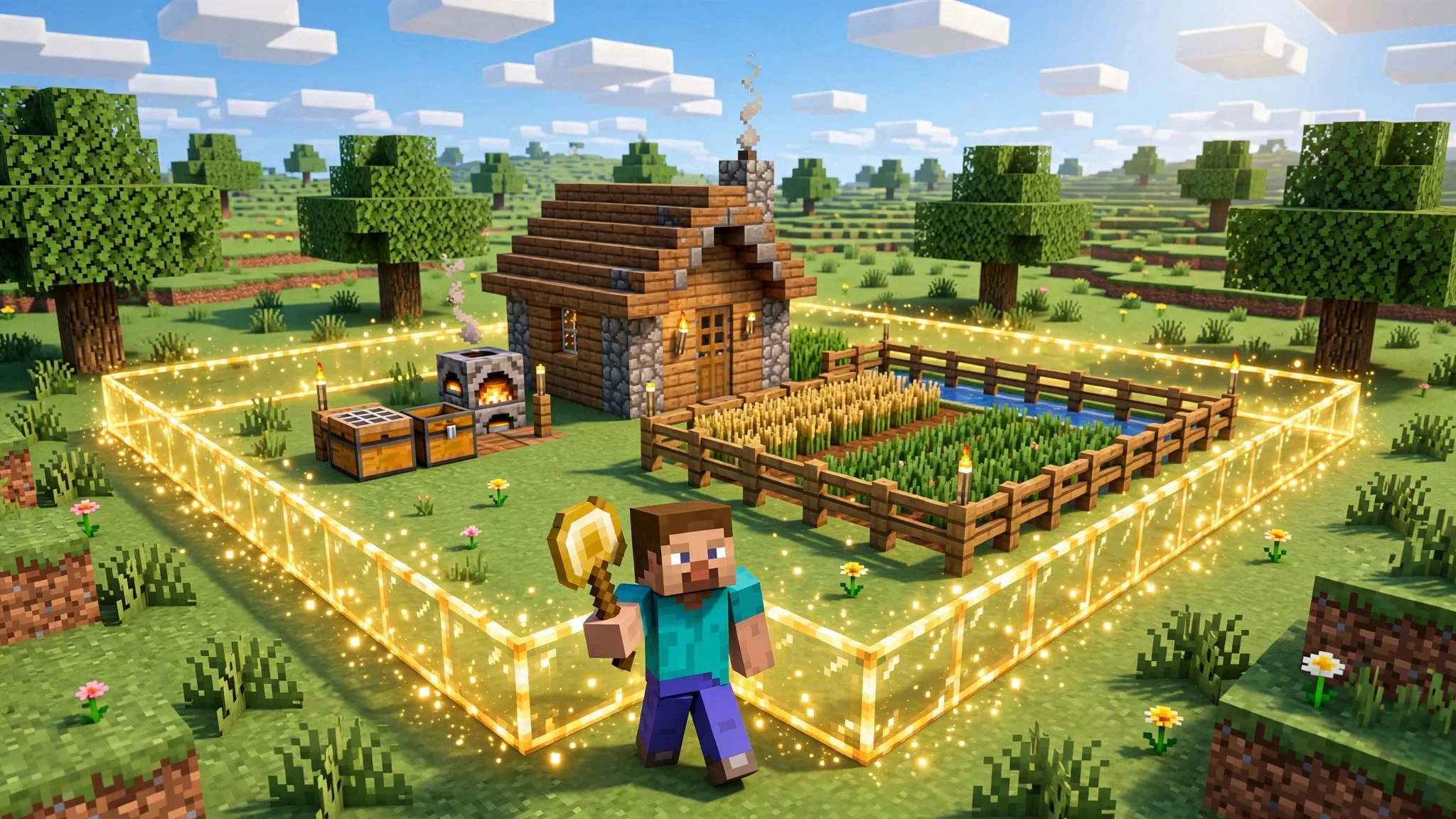
Nothing hurts more than logging in and finding your base raided, your chests emptied, and your builds destroyed. Learning how to claim land in Minecraft is the single best way to stop that from ever happening — and on BD ZONE it only takes a few minutes. This guide explains exactly how our land-claim system works, step by step, using the GriefPrevention plugin that protects every claim on the server.
Whether you are building your first dirt hut or a full town, claim your land first and build second. Here is how.
Why You Should Claim Land in Minecraft
On a multiplayer server, other players can wander anywhere. Without protection, anyone can break your blocks, open your chests, and take your items. A land claim changes that completely.
Inside your claim:
- Only you can build, break blocks, and open containers
- Other players cannot touch your chests, doors, animals, or crops
- Explosions and fire cannot damage your base
- You choose exactly who is allowed in — and what they can do
On BD ZONE, claims are powered by the GriefPrevention plugin, the most trusted land-protection system in Minecraft. Once your land is claimed, it stays protected 24/7 — even while you are offline.
What You Need to Claim Land
You only need two things:
- A golden shovel — craft one with 2 sticks and 1 gold ingot. The golden shovel is the claiming tool.
- Claim blocks — every player starts with claim blocks to spend, and you automatically earn more the longer you play on the server. Type
/claimslistin chat anytime to see how many claim blocks you have and where your claims are.
Good to know: when you place your very first chest, GriefPrevention automatically creates a small starter claim around it, so your first items are protected right away.
How to Claim Land: Step by Step
Follow these steps to claim any piece of land:
- Hold your golden shovel
- Stand at one corner of the area you want to claim and right-click the ground — you will see a marker appear
- Walk diagonally to the opposite corner of your area
- Right-click the ground again — the claim is created instantly, with glowing corner markers showing your borders
Your claim covers everything from bedrock to the sky inside those borders. To make it bigger, stand outside the claim holding the shovel and right-click to extend a corner. Made a mistake? Use /abandonclaim while standing inside a claim to remove it and get your claim blocks back.
Tip: Not sure where a claim is? Right-click the ground with a regular stick — it shows you the claim borders and tells you who owns the land.
Claim Commands You Should Know
Type these in the in-game chat:
/claimslist— see your claim blocks and all your claims/trust <player>— give a player full access to your claim/accesstrust <player>— let a player use doors, buttons, and beds, but not build/containertrust <player>— let a player open chests and use workstations, but not build/permissiontrust <player>— let a player manage trust for others in your claim/trustlist— see who has access to the claim you are standing in/untrust <player>— remove a player's access/abandonclaim— delete the claim you are standing in/subdivideclaims— split your claim into smaller pieces with separate permissions, perfect for towns and shops
7 Tips to Keep Your Base 100% Safe
- Claim before you build — even a small starter claim beats rebuilding from zero
- Claim a little extra land around your base so nobody can build right up against your walls
- Protect your animals and farms — make sure pens and crop fields are inside the claim
- Be careful with /trust — only trust players you really know;
/untrustanyone suspicious - Use subdivisions for shared areas — give friends access to one room or plot, not your whole base
- Check your claim blocks with
/claimslistand expand your claim as your base grows - Lock down storage — keep your most valuable chests deep inside your claim, never near the border
Frequently Asked Questions
Can someone still grief inside my claim?
No. Inside your claim, only you and players you have trusted can build, break, or open containers. Explosions and fire damage are blocked too.
What happens to my claim if I stop playing?
Your claim and everything in it stay protected while you are offline, so your base is safe between sessions. Very old claims from players who never return may eventually be cleaned up by staff — stay active and you have nothing to worry about.
Can I claim land in the Nether or the End?
Claims are designed for the overworld building areas. Adventure, mining, and resource worlds are for gathering — bring what you collect back and store it inside your claim.
I ran out of claim blocks. What now?
Just keep playing — claim blocks build up automatically over time. You can also abandon claims you no longer need with /abandonclaim to get blocks back.
Protect Your Base Today
Now you know how to claim land in Minecraft and keep everything you build safe on BD ZONE. Grab a golden shovel, claim your spot, and build with total peace of mind. Questions or need help with a claim? Ask in chat or join our Discord at https://discord.gg/QzhjgYZNGs — and make sure you have read the server rules at https://bdzonemc.com/rules before you start building.